Explore a site
Explore captures a site instead of a path. Give it a start page and it follows the site’s links, keeping a screenshot of each page it reaches, on every device you pick. Use it to see a whole site at once, or to keep a dated record of one.
Start an Explore
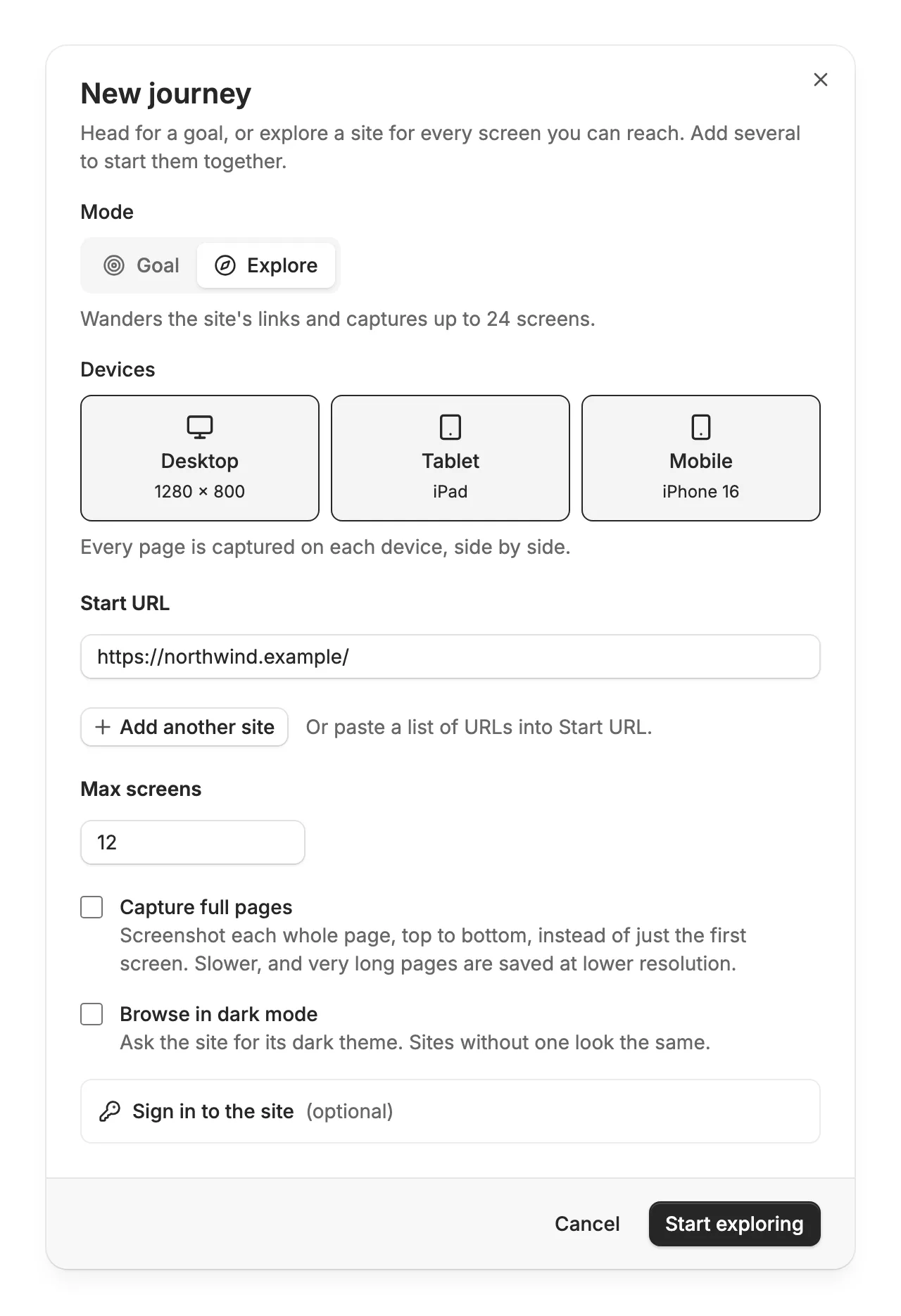
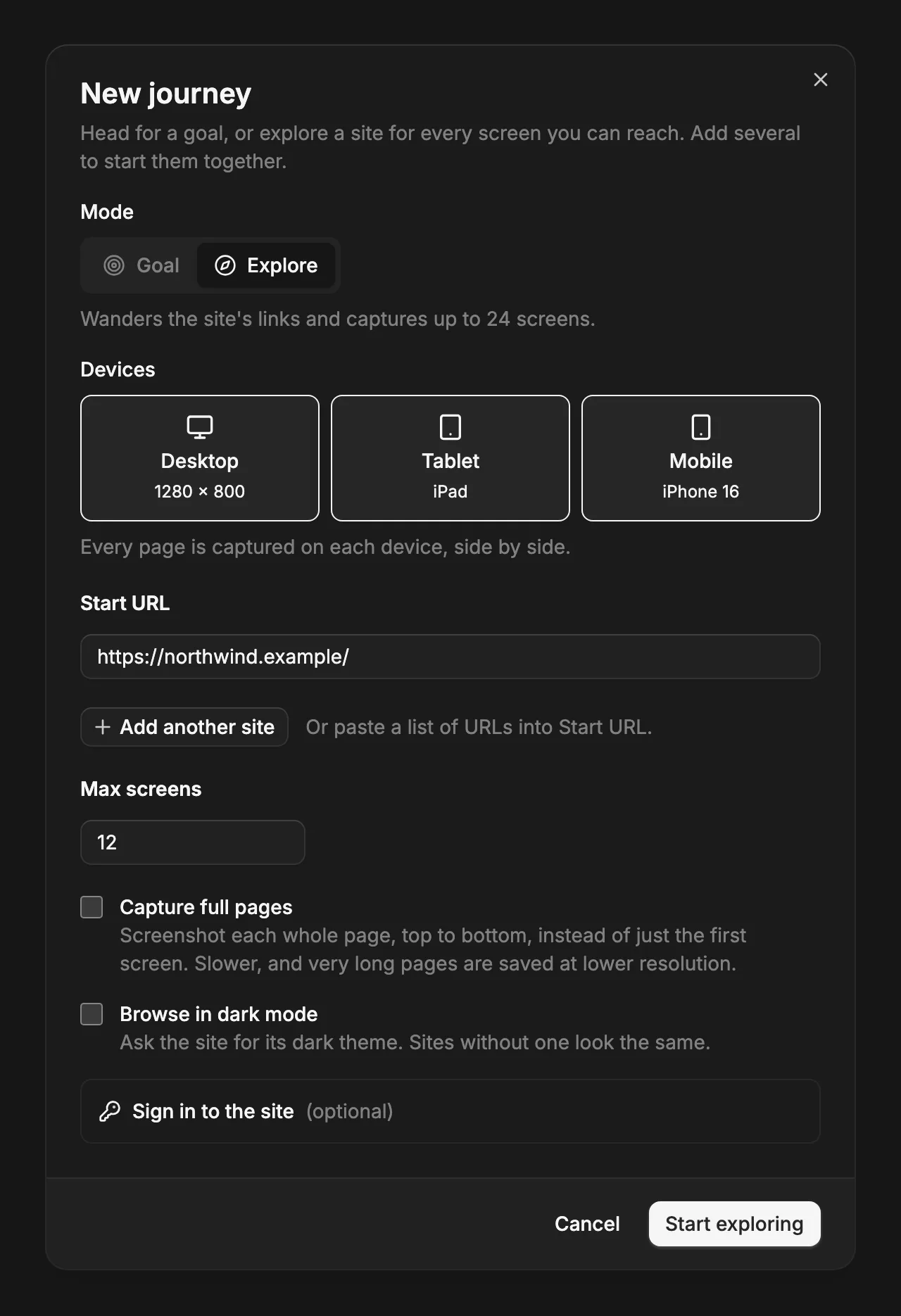
On Journeys, choose New journey and switch the mode to Explore. There’s no goal to write: just the start page, the devices, and how many pages to capture.
- Max screens
- How many pages to capture, up to 24.
- Capture full pages
- Screenshot each whole page, top to bottom, instead of the first screen. It scrolls first so lazy content loads. Slower, and very tall pages are saved at a lower resolution.
- Browse in dark mode
- Capture the site’s dark theme, if it has one. Comes with the Pro plan.
Which pages it captures
- Links only
- It follows links, never buttons or forms, so it doesn’t open menus, submit anything, or sign up.
- Same site
- Only links on the start page’s host. www.example.com and example.com count as one.
- Nearest first
- Every link on the start page before any link on the pages after it, so the top of the navigation comes first.
- Popups cleared
- On every page and device, it declines the cookie banner (never accepting it) and closes newsletter, promotion, and other popups before the screenshot.
- Each page once
- One screenshot per address. A page reached from several links appears once.
- How many
- 12 pages unless you change Max screens, at most 24. It also stops after about eight minutes, and says so when pages were left.
Read the result
Each page gets a row. Under its title, the row says which page linked to it and the link’s text, so you can retrace how it got there. On several devices, the same page sits side by side on each, at the same height.
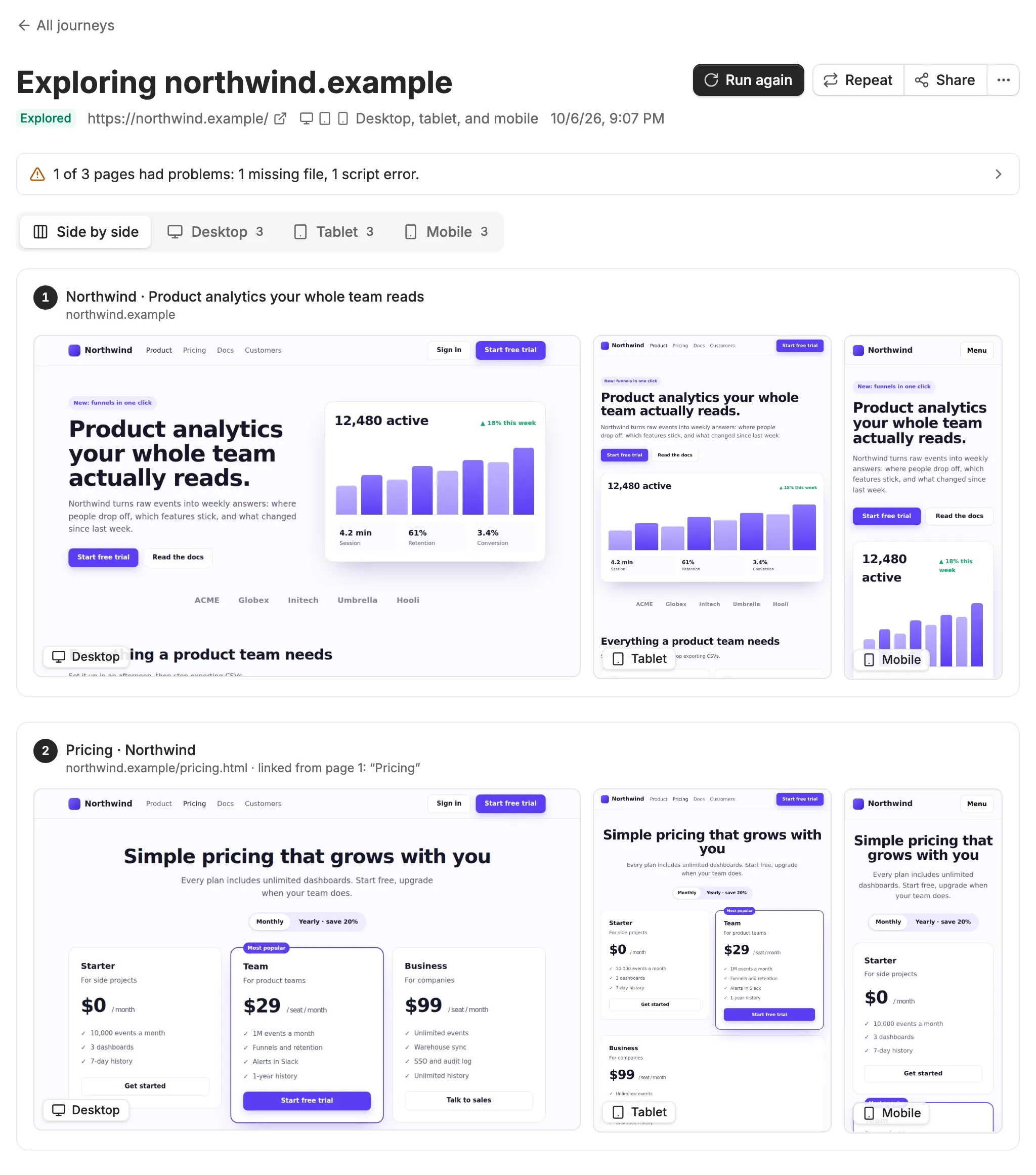

The device tabs above the rows show one device’s pages as a grid. Select any screenshot to open it full size, then switch devices from the viewer or step through the pages with the arrow keys.
Keep a record
Every run is kept. Choose Run again after a redesign, or set the journey to repeat daily or weekly, and flip between runs from the chips under the title to see what changed.