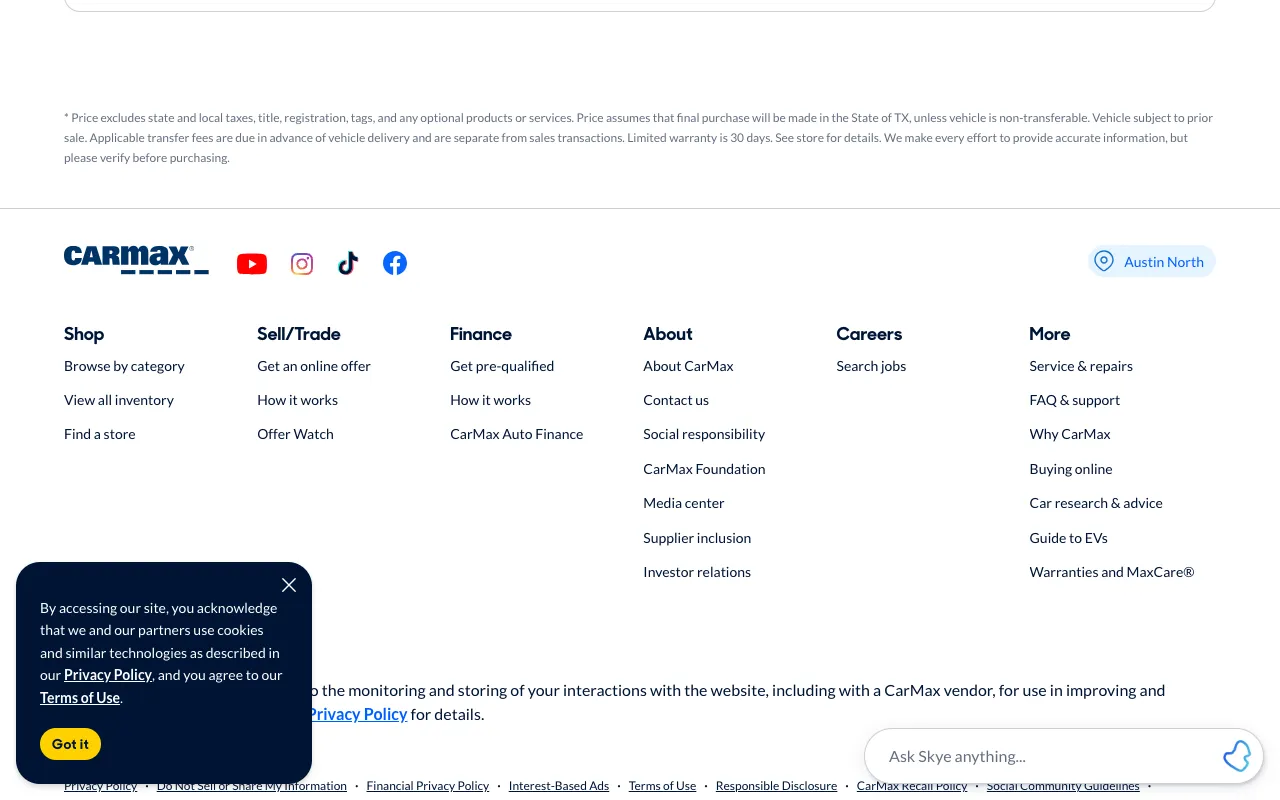
CarMax - Shop for used cars, then buy online or at a store
www.carmax.com
Clicked link “FAQ & support”
A first visit, on demand
Give it any public start page and a task in plain English, like “find the return policy.” It clicks through like a new visitor would, on desktop and phone, and comes back with a video of the whole run, every screen and click, and a verdict: Found, Stuck, or Out of steps.
An automated run, recorded live at carmax.com
“Find out how many days you have to return a car bought from CarMax”
4 screens. First click: FAQ & support.
The answer: You can bring it back within 10 days to the store where you purchased it
What you get back
Not a pile of screenshots: a verdict on whether the task can be done, and the screens that show why.
It reached a screen that answers the task and outlined the passage that does, with every click on the way marked. Count the steps: more than you expected is a finding too.
Nothing it saw looked like the way there, even after backing up and trying other paths, the site’s search included. That’s where a real visitor gives up, and the last screen shows why.
It kept clicking and never arrived. The path only works for visitors willing to wander, and its screens show which labels pulled it off course.
Two ways to use it
The same task works on any public site, so you can see where your visitors get lost and how competitors lead theirs.
Can visitors find pricing, the docs, or how to cancel? A Stuck run shows the screen where they’d give up. Run it on a phone to see whether the menu hides the way, and on Team, sign in to your product or staging site with a test account.
“Find the page to cancel a subscription”
For QA and UX teamsSee how they lay out pricing, signup, and onboarding, screen by screen, with each click marked. Put it on repeat and each run lists what changed since the last one, and on Team you get an email when it finds a change.
“Find where Linear explains its pricing tiers”
An automated journey, start to finish
Watch the browser find its way, with each click shown, or jump to any screen. Below the video, each screenshot marks the element it clicked to reach the next one, and the last screen outlines the passage that answers the task.
Recorded by an automated browser.
www.carmax.com
Clicked link “FAQ & support”
www.carmax.com/help-center
Clicked link “Buying a Car”
www.carmax.com/faq/buying-a-car
Clicked link “Do I really get 10 days to return the car?”
www.carmax.com/faq/buying-a-car/do-i-really-get-10-days-to-return-the-car
Destination reached
You can bring it back within 10 days to the store where you purchased it
Every screen size
One task, “Find the page that shows the Team plan's price,” as a laptop, a tablet, and a phone, side by side. On this demo site the phone’s navigation hides behind a menu, so it takes one more step.
northwind.example
Clicked link “Pricing”
northwind.example/pricing.html
Destination reached
Team, for product teams: $29 / seat / month. 1M events a month, funnels and retention, alerts in Slack, 1-year history.
Around the path
A journey tests the path. These help you check the pages along it, keep watching, and hand the result to the people who fix it.
Run an audit and it follows the site’s links, outlines accessibility failures on each screenshot, and flags buttons and form fields that break the site’s own pattern.
Run a task again daily or weekly. Each run lists the links, buttons, and headings that appeared, went away, or changed their wording since the one before.
Send a link anyone can open without signing up, or download the run as a PDF on Pro.
Group journeys into collections like “Checkout” or “Onboarding”, across your site and your competitors’.
Try your first tasks at no cost. Paid plans start at $59/month.
Write it down, give it a start page, and see whether they can finish it.
Start free